Use this page to decide whether elevator operating fixtures can match the controller, call logic, voltage, communication architecture, accessibility requirements, mounting geometry, language, and retained equipment without turning a fixture replacement into a control-system modernization.
Send Your Fixture Requirements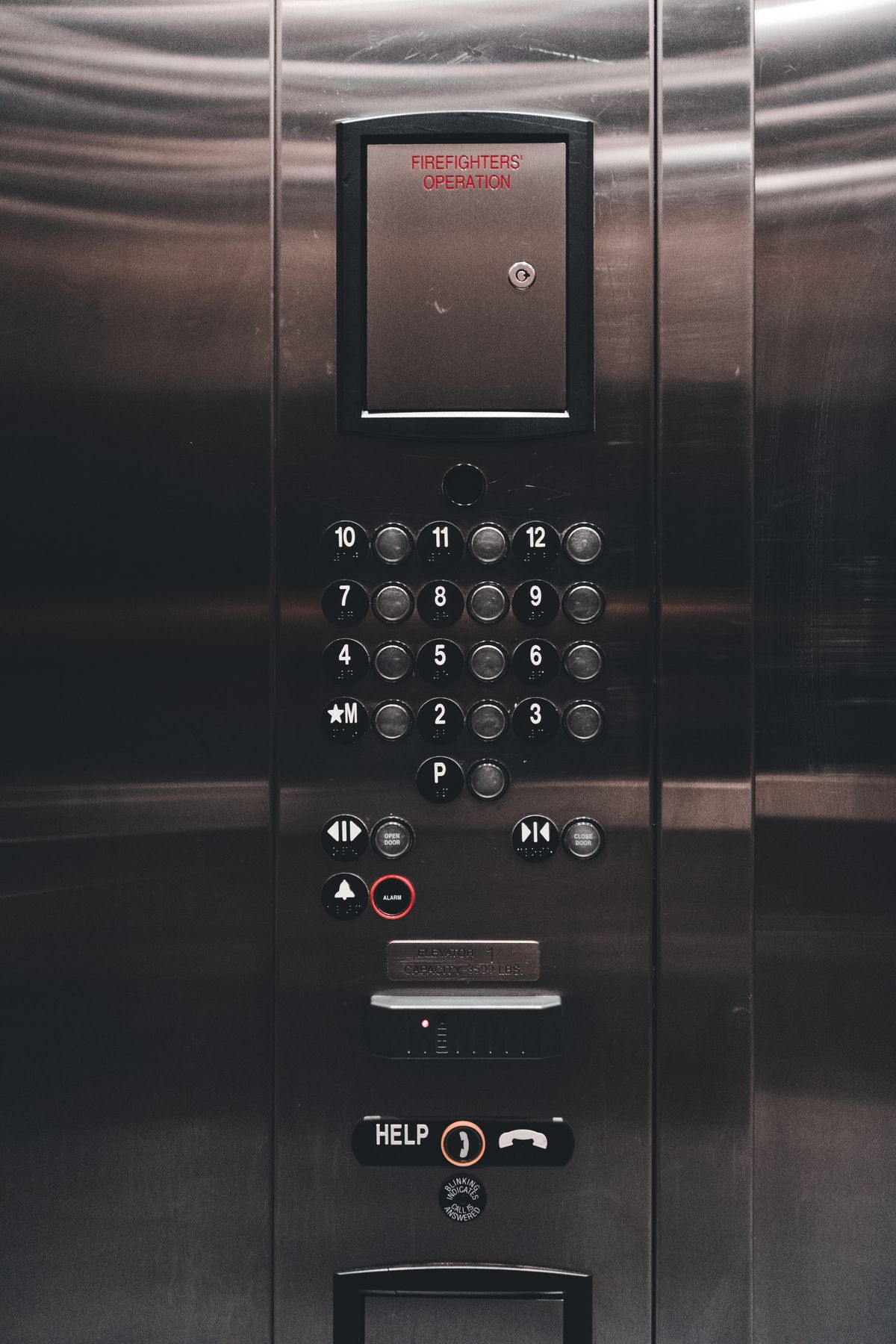
The car operating panel and landing operating panel are the passenger-facing end of the elevator control system.
They look simple because the user sees buttons, indicators, displays, key switches, and finished faceplates. Behind that surface, however, the fixtures can depend on power supply, controller I/O, serial communication, button logic, display protocols, wiring harnesses, connectors, emergency circuits, access-control interfaces, and project-specific operating functions.
That creates a common replacement mistake: matching the panel by appearance.
A new COP can fit the same wall opening and still be incompatible with the controller. The buttons may use different voltage or contact logic. The display may require a different communication board. The floor numbering may not match the controller configuration. Emergency devices may use different wiring. A serial fixture may depend on proprietary communication that a visually similar panel cannot reproduce.
The same problem appears at the landing. A LOP is not only an up/down button plate. It may include call-registration indication, direction information, floor designation, access-control devices, destination-oriented controls, key switches, fire-service interfaces, or other functions depending on the elevator and jurisdiction.
A third failure is accessibility. Button arrangement, reach range, tactile identification, Braille, visible call registration, audible and visual signaling, contrast, and emergency communication can be regulated separately from the decorative design. A panel can look refined and still fail the actual building requirement.
For modernization, the buyer should therefore begin with the controller and operating logic before approving the fixture design.
COP, LOP, and display specifications should be divided into four groups.
These define what the passenger or operator needs to see and do:
These define whether the fixture can communicate with the elevator:
These define whether the fixture physically fits:
These define the final visible package:
Compare fixtures in this order: controller and operating logic first, accessibility and user functions second, mechanical fit third, appearance fourth. Reversing that order is one of the fastest ways to turn a simple panel order into rewiring or replacement of additional equipment.
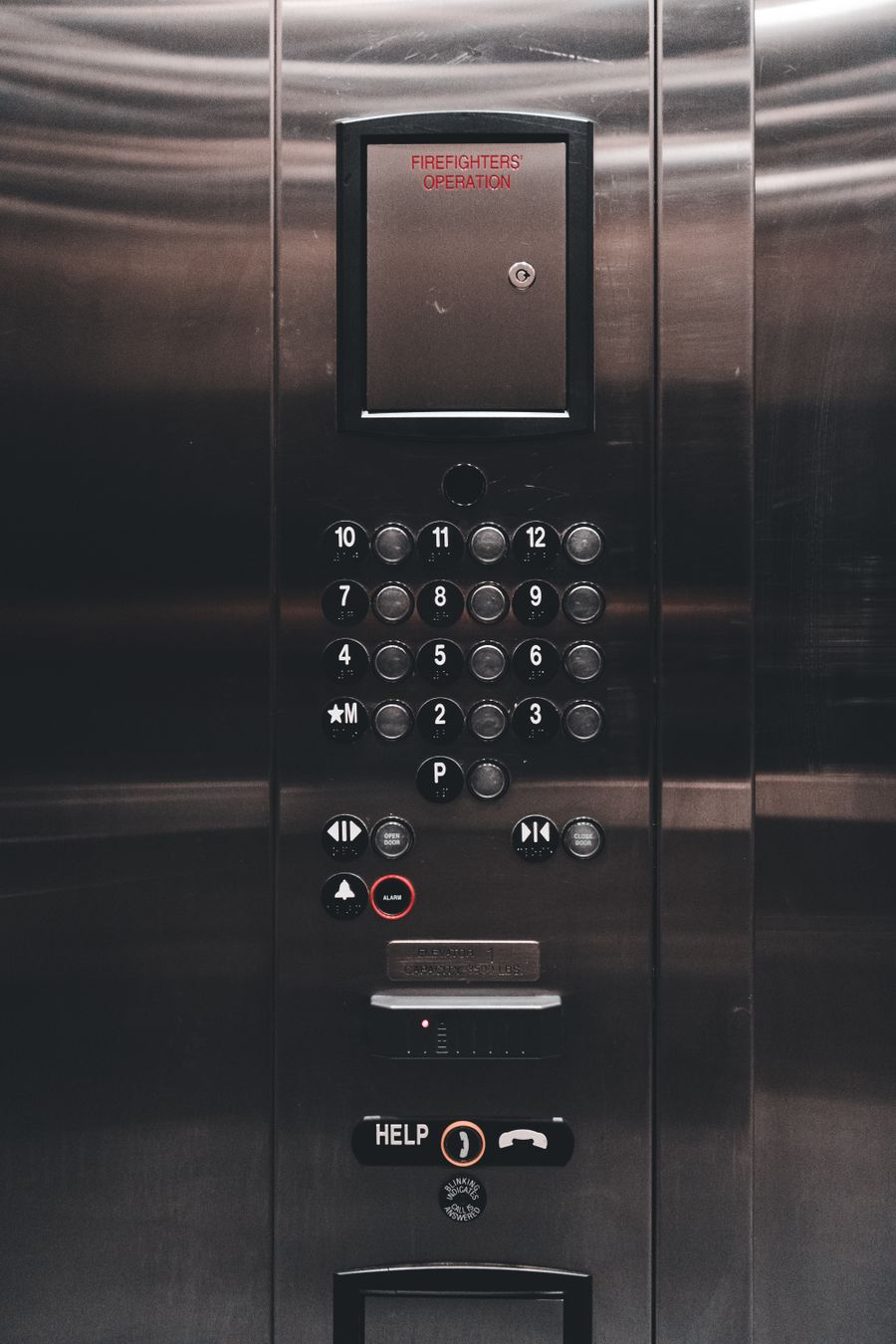
The Car Operating Panel is the primary passenger or operator interface inside the elevator car.
A basic passenger application may require floor selection, door controls, alarm, emergency communication, position information, and status indication. A freight or service elevator may add independent service, access restriction, attendant functions, through-car door controls, or project-specific operating modes. A hospital application may require operational priorities or interfaces defined by the project. A home elevator may use a more compact or architecturally integrated fixture arrangement.
The correct COP therefore starts with the elevator’s operating concept.
Record:
If the project uses two entrances, the fixture arrangement may need separate door controls or indicators. If floor access is restricted, the panel may interact with cards, key switches, passwords, destination control, or other systems depending on the project architecture.
The current JAFITA supplier materials do not publish a universal COP model, button series, display platform, protocol, panel size, or standard function list. COP selection should remain tied to the controller and approved elevator configuration.
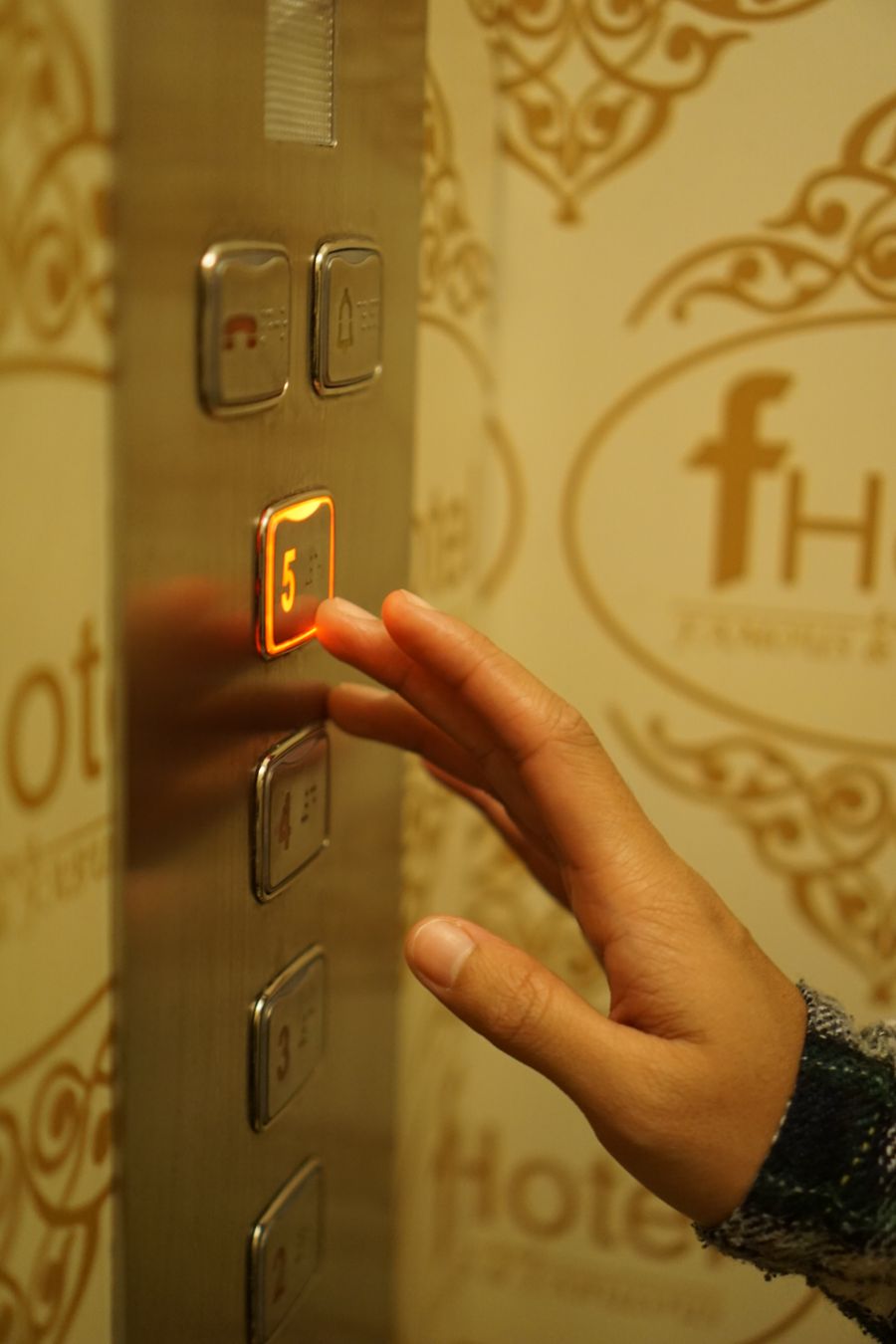
The Landing Operating Panel is the user’s interface before entering the elevator.
In a conventional collective-control system, the LOP may provide up and/or down calls depending on the landing and elevator configuration. In other operating architectures, the landing device can perform a different functionfor example destination selection or controlled access.
The buyer should identify:
A replacement landing fixture should also be checked against the existing back box and cable. A new faceplate that requires more conductors, a different communication board, or a deeper enclosure may not be a direct replacement even if the visible dimensions are correct.
For a bank of elevators, landing fixtures and hall indicators should be reviewed as part of the group-control architecture rather than ordered landing by landing with no system reference.
A display does not determine elevator position by itself. It presents information supplied by the control and position system.
That distinction matters in replacement work.
The display may need:
Industry products can use segmented indicators, dot-matrix displays, LED, LCD, TFT, or other display technologies. These are industry categories, not confirmed JAFITA-specific model offerings.
The replacement decision should focus on the data interface first:
A high-resolution display is not an upgrade if it cannot receive the existing controller data without additional hardware or software.
For repeat projects, retain the display model, board revision, software or configuration reference, language files where applicable, and controller relationship.
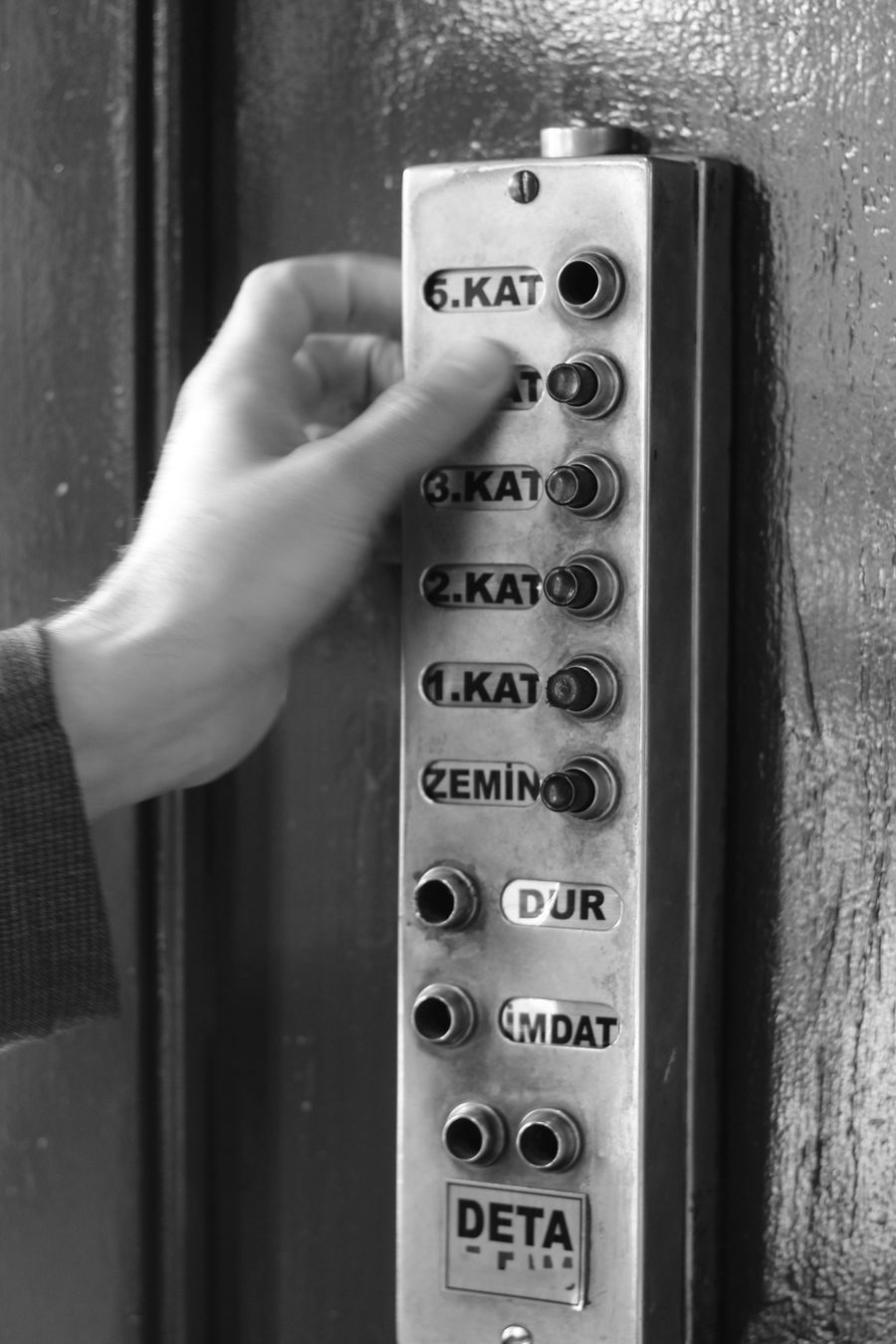
Accessible elevator use requires more than adding tactile characters to a finished panel.
ISO 8100-7:2024 specifies minimum requirements for safe and independent access and use of lifts by persons, including persons with disabilities. It is an accessibility standard for the complete passenger experience rather than a catalogue specification for one button.
For projects subject to the U.S. ADA Standards, elevator landing and car requirements address items such as call controls, visible and audible signals, car controls, tactile characters, Braille, control arrangement, and emergency communication. The exact requirements depend on the project and whether the installation is new or existing. The destination jurisdiction should therefore be established before the fixture layout is released.
From a procurement perspective, accessibility can affect:
Do not copy dimensions from one jurisdiction into every international project. The applicable code, standard, building type, and elevator category determine the final layout.
The current JAFITA materials do not publish an accessibility-certified COP or LOP series, Braille system, button dimensions, mounting-height range, audible-annunciation specification, or destination-control interface.

A destination-oriented system changes where the passenger makes the floor selection.
Instead of entering a hall call and then selecting the floor inside the car, the passenger can select the destination before boarding. The system then assigns a car. This changes the landing fixture, hall indication, car information, group-control logic, and accessibility requirements.
The procurement package should therefore identify whether the project uses:
Destination operation is a system architecture, not a different faceplate.
A conventional LOP cannot be converted into a destination terminal simply by adding a larger display. The controller, dispatching logic, communication network, access-control relationship, floor permissions, and passenger signaling must all support the operating concept.
JAFITA’s current supplier materials do not publish a destination-control product or group-dispatch platform. This section is industry knowledge that helps buyers identify the correct fixture requirement.
Freight elevators often need operating fixtures to reflect how goods move through the building.
A general passenger COP may not be the best basis for an industrial or goods-handling workflow.
Depending on the project, the operating concept can involve:
The exact functions must be defined for the project; they should not be inferred from the word freight.
JAFITA’s strongest supplier evidence is in freight elevators. The company identifies freight elevator production as a core manufacturing strength and documents OEM work for multiple brands. Its freight materials also identify a Safety Door Operator and Door Light Curtain, which means the operating fixtures may need to coordinate with a freight-specific door and control configuration.
The current supplier documents do not publish a freight COP/LOP model family, enclosure rating, impact-resistance specification, button range, interface protocol, or fixed operating-function list.
For a freight fixture enquiry, send the material-handling workflow together with the controller and electrical information.
JAFITA’s Home Elevator presentation provides the strongest supplier evidence directly related to a user-interface concept.
The current materials explicitly support:
These points are relevant because home elevator fixtures often need to fit the residence visually and physically while remaining simple for daily users.
The phrase Intelligent Control System should remain within the exact supplier scope in which it appears. The current materials do not define its controller model, user-interface functions, remote connectivity, app control, voice control, access control, display type, protocol, or smart-home integration. Those features should not be added without product-level evidence.
For a home project, the fixture discussion should begin with:
Finish and appearance can then be coordinated with the cabin design.
Medical elevators can serve different users: patients, beds, staff, visitors, equipment, or service teams.
The operating fixtures should therefore be defined from the clinical workflow rather than from a generic passenger panel.
Potential project questions include:
JAFITA’s brochure presents Medical Elevator as a passenger-elevator category, but current supplier documents do not publish medical-specific COP/LOP models, priority-control functions, antimicrobial materials, button dimensions, emergency interfaces, or display specifications.
The fixture package should therefore remain tied to the selected medical-elevator control system and destination requirements.
For an elevator distributor or regional brand, COP and LOP appearance can form part of the product identity.
A private-label program may define:
But appearance is only the visible layer.
The approved OEM fixture record should also preserve:
JAFITA’s company history includes OEM cooperation with multiple elevator brands, and current custom-project planning recognizes COP and LOP appearance as one area buyers may need to define for a repeat product program. The company introduction names KONE and ThyssenKrupp in its OEM history and describes broader factory-resource relationships.
That supports an OEM coordination model. It does not establish a universal JAFITA fixture platform or guarantee that the same panel electronics apply across every product family.
Modernization is where COP and LOP replacement most often reveals hidden system dependencies.
If the existing controller remains, identify whether the fixtures use:
If the controller is being replaced, identify whether the existing fixtures can be retained.
A previous JAFITA control-system review established the correct decision logic: old COP and LOP may sometimes remain, but they must match the new controller’s voltage, wiring, communication protocol, button logic, displays, indicators, and special functions. Proprietary serial fixtures can make reuse more difficult than simple discrete-wired devices.
The project should therefore create a retained-fixture matrix:
| Fixture | Retain or replace? | Required interface check |
|---|---|---|
| Car operating panel | Voltage, wiring, communication, floor logic, emergency functions | |
| Landing operating panels | Call logic, voltage, wiring, communication, group relationship | |
| Car position indicator | Data source, protocol, voltage, mounting | |
| Hall position indicators | Group/control data, voltage, protocol | |
| Hall lanterns | Direction signal, audible/visual requirements | |
| Voice annunciator | Trigger signals, language, amplifier/speaker interface | |
| Access-control device | Permission logic, relay/data interface, controller integration | |
| Emergency device | Power, communication, monitoring, local requirements |
If several fixture systems become incompatible at once, the job has moved beyond cosmetic refurbishment into a control-system modernization.
| Capability | Supplier evidence |
|---|---|
| Component coordination | JAFITA’s component architecture identifies COP, LOP & Displays as a sourcing category requiring fixture model, dimensions, button/display arrangement, voltage, connectors, communication, and language requirements. |
| Home control context | Home Elevator materials explicitly present an Intelligent Control System. |
| Home customization context | Home Elevator materials support multiple size customization, multiple door opening methods, and aesthetic car design. |
| Passenger product scope | Current brochure presents Passenger, High-Speed, Observation, and Medical Elevator categories. |
| Freight manufacturing foundation | JAFITA identifies freight elevator production as a core manufacturing strength. |
| Freight door/control context | Freight materials present a Safety Door Operator and Door Light Curtain, both relevant to control and fixture coordination. |
| OEM background | Company materials state that JAFITA has provided OEM services for multiple elevator brands. |
| Named OEM history | Uploaded company introduction names KONE and ThyssenKrupp in JAFITA’s long-term OEM history. |
| Factory-resource network | Company materials describe direct factory relationships developed through cooperation, including Hitachi and XIO LIFT. |
| International business | JAFITA has been engaged in elevator export business since 2008. |
| Engineering support | Company brochure presents an Engineering Service Team. |
| Lifecycle support | Company brochure presents lifecycle service support. |
| Company qualifications | Company portfolio presents a Special Equipment Production License and ISO 9001, ISO 14001, and ISO 45001 management-system certifications. |
The current supplier materials do not publish a standalone JAFITA COP, LOP, button, hall-lantern, position-indicator, display, voice-annunciator, destination-terminal, access-control, or emergency-communication product catalogue.
They also do not publish fixture voltage ranges, panel dimensions, protocols, display sizes, button sizes, IP or impact ratings, Braille options, languages, software, firmware, app functions, remote connectivity, or standard OEM fixture series.
For a new project, provide:
For replacement or modernization, provide:
Do not discard the original panel or board before its connectors, wiring, labels, dimensions, and revision information have been recorded.
A repeat fixture order should not be reconstructed from a front-view photograph.
Keep the approved record for:
This is particularly important for OEM projects. A small change in the visible panel may hide a different board, connector, or communication architecture that makes later spare parts difficult to match.
JAFITA’s OEM history, factory-resource network, export activity since 2008, Engineering Service Team, and lifecycle support provide a basis for coordinated repeat-project communication. The Home Elevator materials also support an Intelligent Control System and aesthetic customization direction.
Those facts do not establish that JAFITA manufactures all operating fixtures in-house or that one fixture platform is used across every elevator category.
For the buyer, the useful question is: Can the supplied COP, LOP, and display be traced to the exact controller, operating logic, accessibility requirement, and approved visual configuration of this elevator?
Price can change with panel dimensions, faceplate material, button count, button type, display, emergency devices, key switches, access control, communication boards, wiring, accessibility features, customization, quantity, branding, and shipping scope. Compare quotations only after the electronic and mechanical scope is aligned.
The current JAFITA materials do not publish one universal MOQ for COP, LOP, or display products. Exact fixture type, quantity, customization, electronics, source, and shipping arrangement can change commercial terms.
No fixed fixture lead time is published. Exact model identification, panel drawings, floor labels, electronics, language, finish, quantity, OEM customization, destination, and shipping method can all affect schedule.
No. Mechanical fit is only one part of compatibility. Voltage, button logic, display data, communication, connectors, emergency functions, controller relationship, and operating modes also need to match.
Possibly. The fixtures must remain compatible with the new controller’s voltage, wiring, communication, call logic, indicators, displays, special functions, and emergency interfaces. Proprietary serial fixtures can require additional changes.
Possibly, but the display must receive a compatible power supply and data signal. Identify the controller, existing display board, communication method, connector, and required display information before selecting a replacement.
No. Accessibility, tactile identification, Braille, reach range, emergency controls, floor numbering, visible and audible signaling, and other requirements can vary by jurisdiction and building type.
ISO 8100-7:2024 specifies minimum requirements for safe and independent access and use of lifts by persons, including persons with disabilities, within its stated scope.
The 2010 ADA Standards address elevator landing call controls, visible and audible hall signals, car controls, tactile characters, Braille, visible indicators, and emergency communication, among other accessibility requirements. The project team should use the applicable current building and accessibility requirements for the actual jurisdiction.
Not in the current supplier materials. These functions should be confirmed against the selected elevator and actual component datasheets before they are presented as JAFITA product features.
Not based on the current supplier evidence. Intelligent Control System is explicitly supported in the Home Elevator presentation, but the materials do not define app control, Wi-Fi, Bluetooth, cloud monitoring, voice assistants, smart-home protocols, or remote access. Do not add those functions without product-level confirmation.
Fixture appearance and branding can be discussed as part of an OEM configuration, but the electronics, dimensions, controller interface, accessibility requirements, and repeat-order record need to remain controlled together with the visible design.
JAFITA’s brochure presents an Engineering Service Team and lifecycle support, but it does not establish one universal installation or programming commitment for every fixture order. Wiring, programming, panel installation, access-control integration, emergency-device work, commissioning, testing, and local inspection responsibilities should be defined for the project.
This page supports project definition and sourcing for car operating panels, landing operating panels, hall buttons, position indicators, hall lanterns, displays, voice annunciation, access-control interfaces, and related user-facing elevator fixtures.
It does not create a universal JAFITA fixture range or confirm compatibility from appearance or panel dimensions alone.
Operating fixtures connect passengers to the control system. Their suitability can depend on the controller, I/O, wiring, communication, floor logic, group operation, doors, access control, emergency communication, accessibility requirements, language, mounting geometry, and destination jurisdiction.
ISO 8100-7:2024 provides an international accessibility framework for lifts within its scope. U.S. projects may also need to follow the applicable ADA requirements and ASME A17.1/CSA B44 safety-code framework as adopted by the local authority. Other markets can use different regional or national requirements.
Local electrical work, programming, accessibility approval, emergency-communication integration, installation, commissioning, inspection, and regulatory acceptance remain the responsibility of the parties assigned to those functions under the project and jurisdiction.
Identify the original elevator controller, communication and wiring interface, fixture dimensions, operating stations, displays and quantity before requesting a replacement. Decorative appearance alone does not establish compatibility.
Send COP / LOP Specifications on WhatsApp